
While working through various scenarios, we found that the tools available were a little cumbersome for describing the authority flows in Keyhive. Arguably this is a challenge for all certificate capability systems. Back in an earlier lab note, we used a Granovetter

This is the standard way of describing authority in capabilities since Mark
Granovetter diagrams are great for object
Because they emphasize different aspects of the authority flow, Granovetter diagrams were cumbersome when sketching flows for Keyhive. After many iterations, we’ve adapted them into a variant that we call “certificate flow” (or “certflow”) diagrams that suit our use case better.
Reading Certflow Diagrams
First, a quick reminder of the vocabulary. Every certificate is signed by an issuer and points to an audience, granting it authority over a subject. A principal’s reach is everything it can act on: the subjects of the certificates pointing into it, and in turn anything those subjects can reach. So reach comes only from incoming arrows. A principal with only outgoing arrows, like Carol below, is just a subject: others can reach Carol, but Carol reaches nothing in the diagram beyond herself.
Let’s dive right in with an example. Here’s the same scenario as the earlier Granovetter diagram, redrawn in certflow:
- Carol signs a certificate granting Alice
Adminover Carol. The box is the certificate, and the dashed line is the flow of that authority, starting at Carol. - Alice delegates
Editover Carol to Bob. The solid lines say who signed the new certificate (Alice) and for whom (Bob). The dashed line says where the authority came from: it hops from the Carol→Alice certificate straight to the Alice→Bob one, without passing through Alice.
Notation
- Round shapes are principals: people, devices, groups, documents. Anything with a verifying key.
- Boxes are certificates (delegations), labelled with the access they grant over their subject, the thing they grant authority over.
- Solid lines run from the issuer, through the certificate, to the audience. This is the “who delegated to whom” layer.
- Dashed lines are the flow of authority. They start at the subject and hop from certificate to certificate, never dropping into the agents in between.
- Red diamonds are revocations. Solid red lines run from the revoker, through the diamond, to the certificate it revokes, ending in an ✗ instead of an arrowhead. Red dashes show where the authority comes from.
Attenuation
Delegation can never grant more power than what’s supplied from upstream. In Keyhive, each delegation comes in one of four power levels:
In our hierarchy, having the ability to Edit means that you necessarily have the ability to Read. We can draw these as nested delegations, but we generally omit this and just remember that this hierarchy exists.
Conceptually, it looks like this: Alice’s Edit certificate to Bob carries Read and Relay inside it, and when Bob passes Read on to Carol, the authority flows out of the Read inside Alice’s certificate:
Delegations connect together like pipes. You can delegate the power that you hold or less, but never more: a certificate that claims to have more power is attenuated down to the minimum of all segments. You get the narrowest pipe per path (though if you have multiple paths you would select the most powerful one). In the pipes below, Alice holds Admin but only gives Bob Read. Even if Bob’s certificate to his phone says Admin, only a Read-powered authority ever reaches it:
A More Involved Example
Here’s a bigger scenario: an essay shared with a group of commenters, where each comment thread is its own document.
- The Essay grants Alice
Adminover itself. - Alice creates a Commenters group and uses her authority over the Essay to give the group
Read. - As the group’s creator, Alice also holds
Adminover it. - Alice adds Bob to Commenters with
Edit. Notice the dashed line: Bob’s certificate is backed by Alice’s authority over Commenters, not over the Essay. - Alice adds Carol the same way.
- Each comment thread is its own document. Thread 1 is created granting Commenters
Admin… - …and so is Thread 2. Now try hovering over Bob to trace everything he can reach, or revoke the
Readcertificate Alice gave Commenters by clicking it (more on revocation below).
Transitive Access
Access is often transitive. The purpose of a diagram is to communicate an idea; you can dash lines through intermediate principals (bending the usual rule) if you really need to show a particular path, but we generally don’t since arrows already make the flow clear and there may be many possible paths. This keeps the diagrams clean while still being easy to trace through.
- The Collection grants Alice
Adminover itself, and Alice gives BobEditover the Collection. - Each document is created with a certificate granting the Collection access: Doc 1 and Doc 2 give it
Admin, Doc 3 onlyRead. Bob’s single certificate now reaches every document, capped by both his ownEditand what the Collection holds. Try hovering over Bob. - Alice can also reach through the Collection to delegate something narrower:
Editover just Doc 1, for Carol.
Revocation
Revocation is a signed statement just like delegation, and similarly it needs authority and provenance. Revocations are drawn as red diamonds. A solid red line runs from the revoker to the diamond, and on to the delegation being revoked, ending in an ✗ instead of an arrowhead. Red dashes show where the revoker’s authority comes from, just like for delegations.
- The Doc grants Alice
Editover itself. - Alice passes
Editon to Bob. - Bob gives Carol
Read. - Carol shares
Readwith Dan. - Alice revokes Carol’s certificate to Dan, two hops downstream. Alice didn’t sign that certificate, but Dan’s access runs through Alice, so Alice can cut it. The red dashes come from the Doc→Alice certificate: the authority that flows through Alice.
- Dan loses access. Bob and Carol keep theirs, because their certificates don’t depend on the one Alice revoked.
When a revocation takes effect, everything downstream that depended on the certificate fades out, unless another route still backs it.
The Pen is Mightier than the Sword Pixel
The colours in these diagrams are a nice touch and make following what’s happening very easy, but they’re not a required part of the notation. A good notation for this sort of thing should be useful when quickly sketching at a café to explain an idea (to say nothing of the added benefits to folks who have difficulty distinguishing colours).
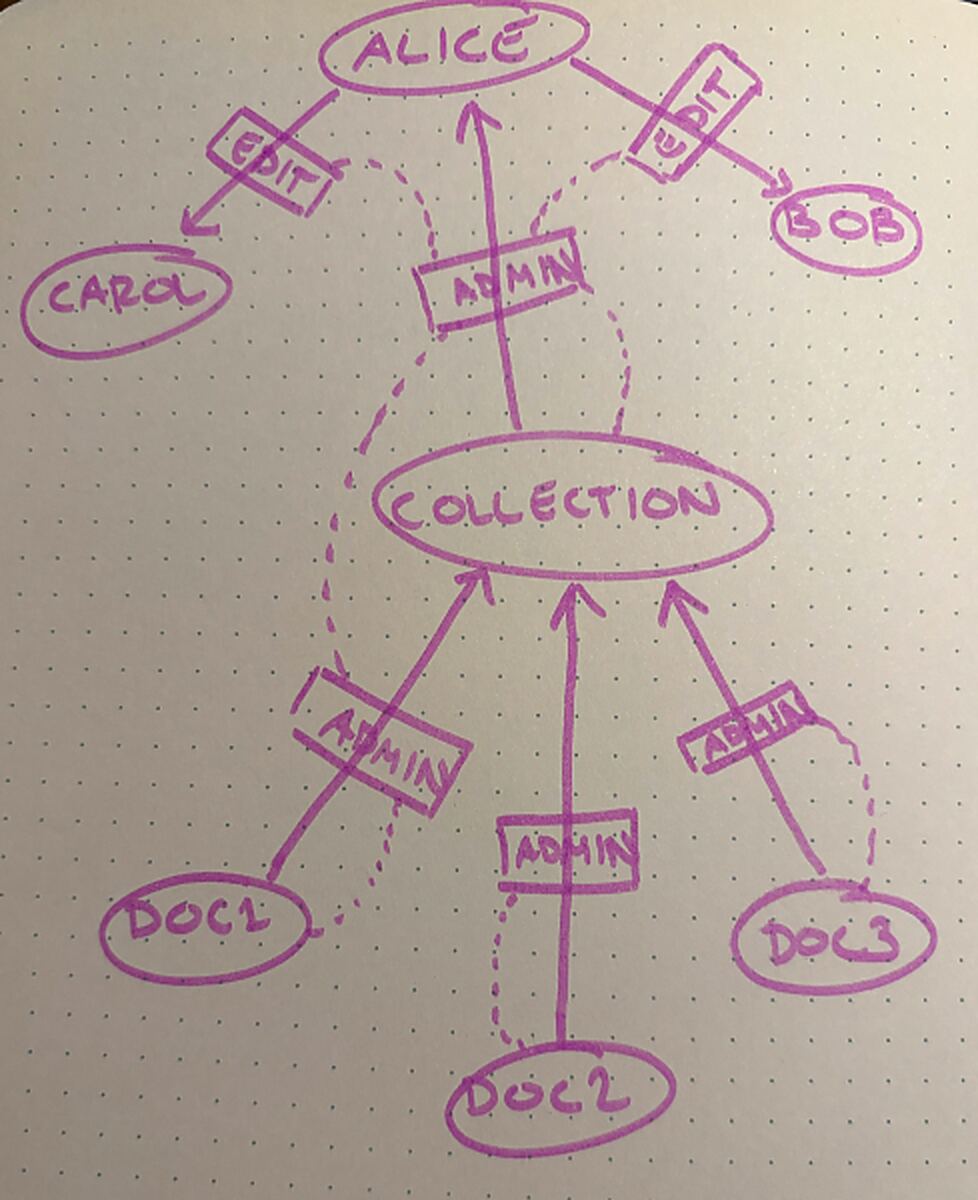
A certflow diagram from my notebook.
However, when we’re working through ideas, diagrams usually end up looking more like this:
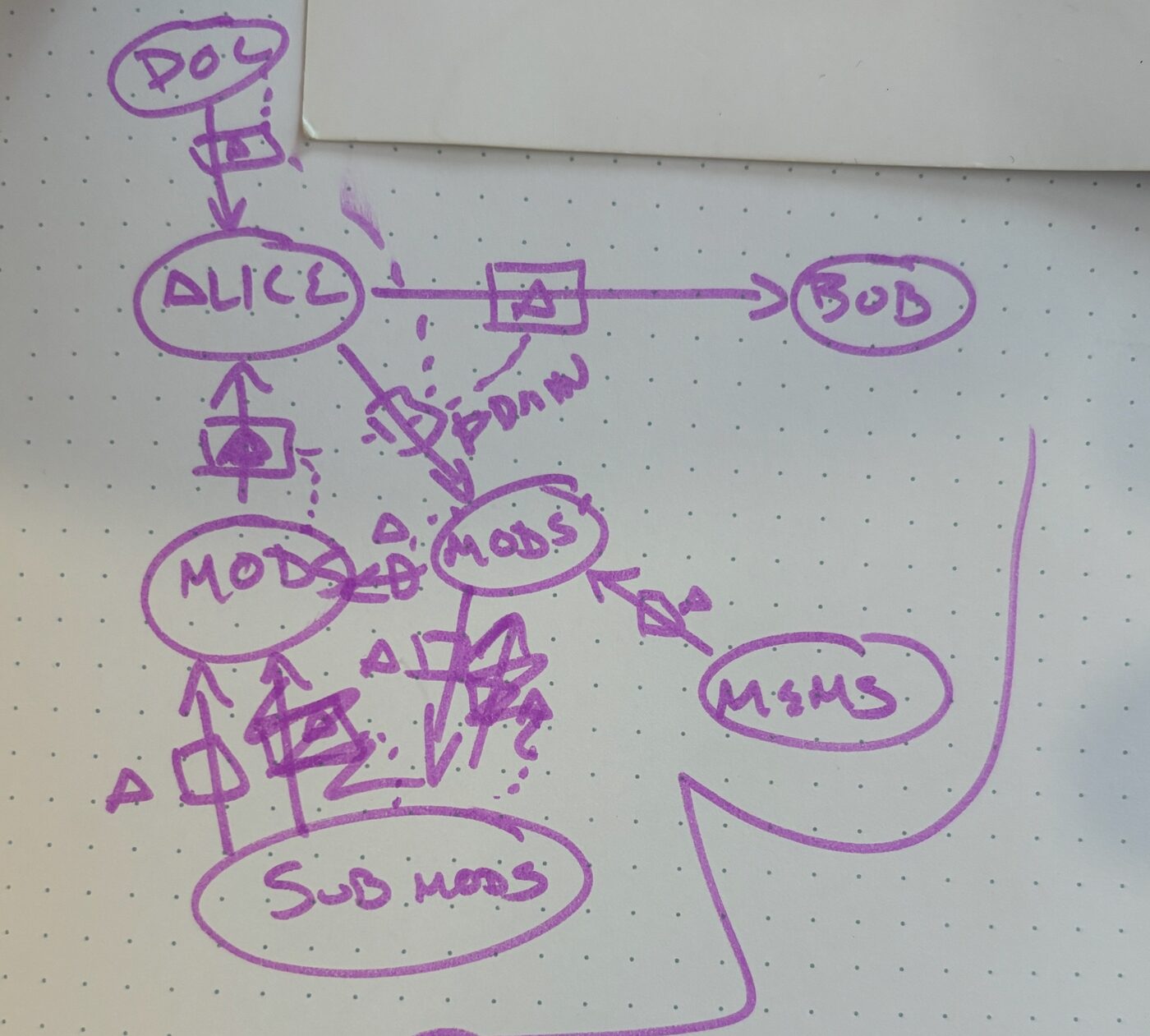
The real thing, mid-work.
Try It Yourself
Here’s a little sandbox for you to explore in. Drag from one principal to another to delegate. Try giving Bob Edit over the Doc through Alice, then revoke the Doc’s certificate to Alice and watch Bob’s go with it. Undo that, give Bob a second route (straight from the Doc, with Read), and revoke again. What does Bob keep?
Build Sequence
Certflow diagrams are helpful for seeing single snapshots in time. We cheat a little bit in this note because we can animate building the diagrams step by step. You don’t have that luxury on paper. Further, it is often useful to talk about the order in which things happen while explaining some scenario (even though the outcome doesn’t depend on it). For this we will later describe rain diagrams, which are an extension to this notation that helps capture the notion of order.